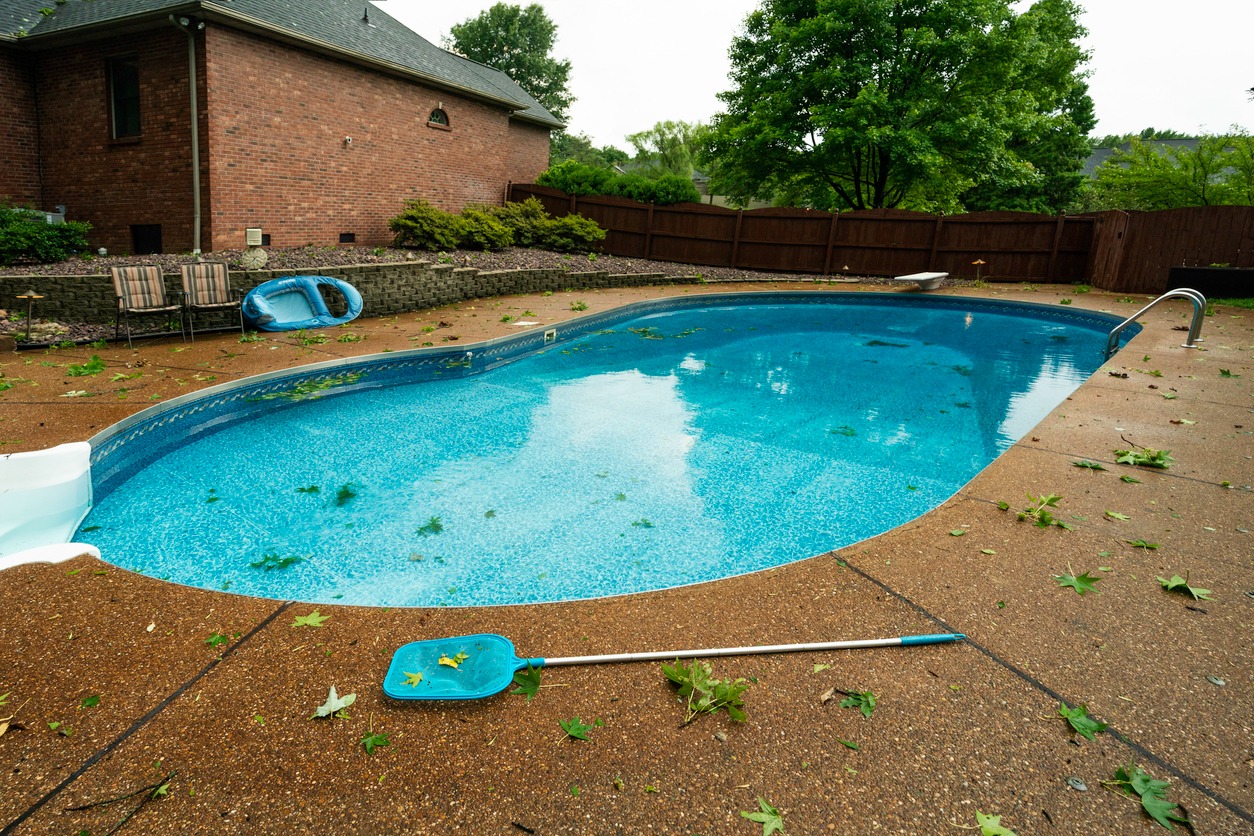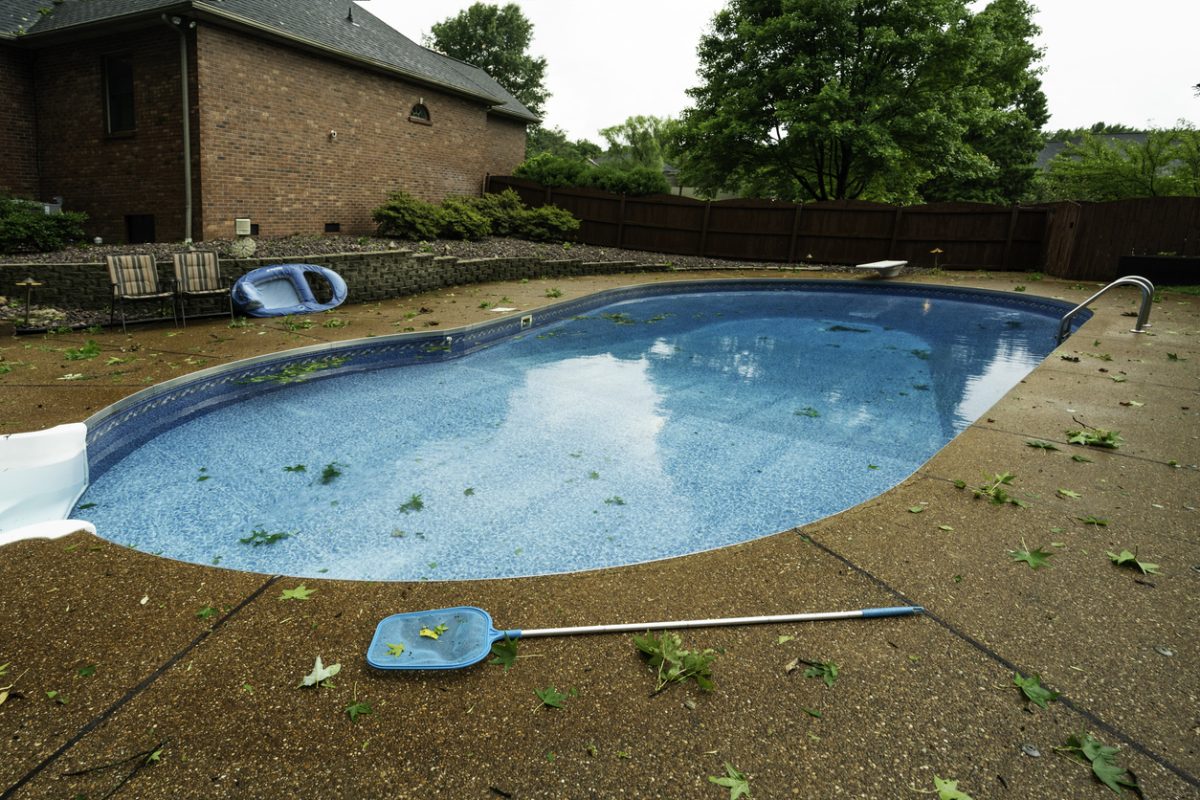
When a severe Texas storm hits, your backyard pool can quickly become a magnet for leaves, dirt, debris, and sometimes even bacteria. Cleaning your pool after a storm is essential to return it to a safe, swimmable state and protect your equipment from unnecessary wear. Below, you’ll find step-by-step advice for restoring your pool, helping you enjoy a refreshing dip, even after the roughest weather Plano or Van Alstyne can throw your way.
Before grabbing your pool skimmer, it’s important to survey your outdoor area for safety. Look out for any signs of electrical hazards, like exposed wires or damaged pool equipment. Also, inspect fencing and gates to ensure your pool area remains secure, especially if high winds may have changed your landscape. Only proceed with cleanup once you’ve confirmed the environment is safe.
Now that the area is safe, focus on physical debris removal. Using a large skimmer net or leaf rake, collect and discard branches, leaves, and litter from the water’s surface. Don’t forget to check and empty your skimmer and pump baskets, as these can clog quickly after a storm. For debris that has settled on the pool floor, use a pool vacuum or carefully sweep everything toward the main drain drain using a pool brush. Never attempt to use your automatic pool cleaner until you’ve cleared the large debris, as heavy loads might damage its internal components.
After clearing the visible debris, assess your pool’s water level. Storms often cause the water to rise above normal levels or, less commonly, lead to noticeable water loss. Bring the water line back to its mid-skimmer level either by draining excess water or adding fresh water with a hose. Next, power up your pool cleaning services system, being mindful to check for leaks or abnormal sounds from your pump and filter. Give your system a full cycle (typically 8-24 hours) to allow it to remove fine particles and contaminants stirred up by the storm.
A Texas rainstorm can significantly alter your pool’s water chemistry, introducing phosphates, bacteria, and organic contaminants. Once filtration resumes, check your water with a reliable at-home testing kit or test strips for chlorine, pH, alkalinity, and stabilizer levels. Post-storm water usually requires:
Shock chlorination to counteract bacteria contamination
pH adjustments to achieve the ideal range of 7.4-7.6
Checking total alkalinity and calcium hardness
Adjust as needed, using appropriate pool chemicals, to ensure safe, crystal-clear water. If the pool remains cloudy even after balancing, a pool clarifier might be required.
Pool equipment often takes a beating from Texas storms. Inspect all components, including your pool pump, filter, heater, and pool lighting. Clean or backwash your filter if needed, especially if it’s accumulated lots of fine debris. If you find significant damage or anything isn’t working correctly, it’s best to call your local professionals for pool equipment repairs and maintenance.
Ongoing care by seasoned experts will help prepare your pool for the next round of unpredictable Texan weather. Schedule regular check-ups and seek local pros for specialty services like weekly pool maintenance and pre-storm preparation. This proactive approach keeps your pool operating efficiently through any season and helps catch small issues before they become expensive problems.
If your pool in Plano or Van Alstyne, TX has taken a hit from the latest storm, don’t let post-storm cleanup overwhelm you. The team at Blue Escapes Pool & Spa® can restore your swimming pool to top shape with skilled, efficient service. Call 972-294-6950 or fill out our online form to request prompt, professional pool care right in your neighborhood.